
Why Your First Post Matters More Than You Might Think
Online communities have long memories. Most platforms archive posts indefinitely, and longtime members often recall - consciously or not - which newcomers made a good first impression versus which ones caused friction right out of the gate. That's not meant to be intimidating; it's just useful context.
The good news is that a thoughtful first post doesn't need to be impressive. It needs to be appropriate, honest, and relevant to the space you're entering. Communities generally extend goodwill to newcomers who've clearly made an effort to understand the culture before jumping in.
If you're brand new to online communities in general, our guide to getting started in your first online community covers the broader landscape - how to find the right group and what to expect from participation. Once you have that foundation, the steps below walk you through the posting process itself.
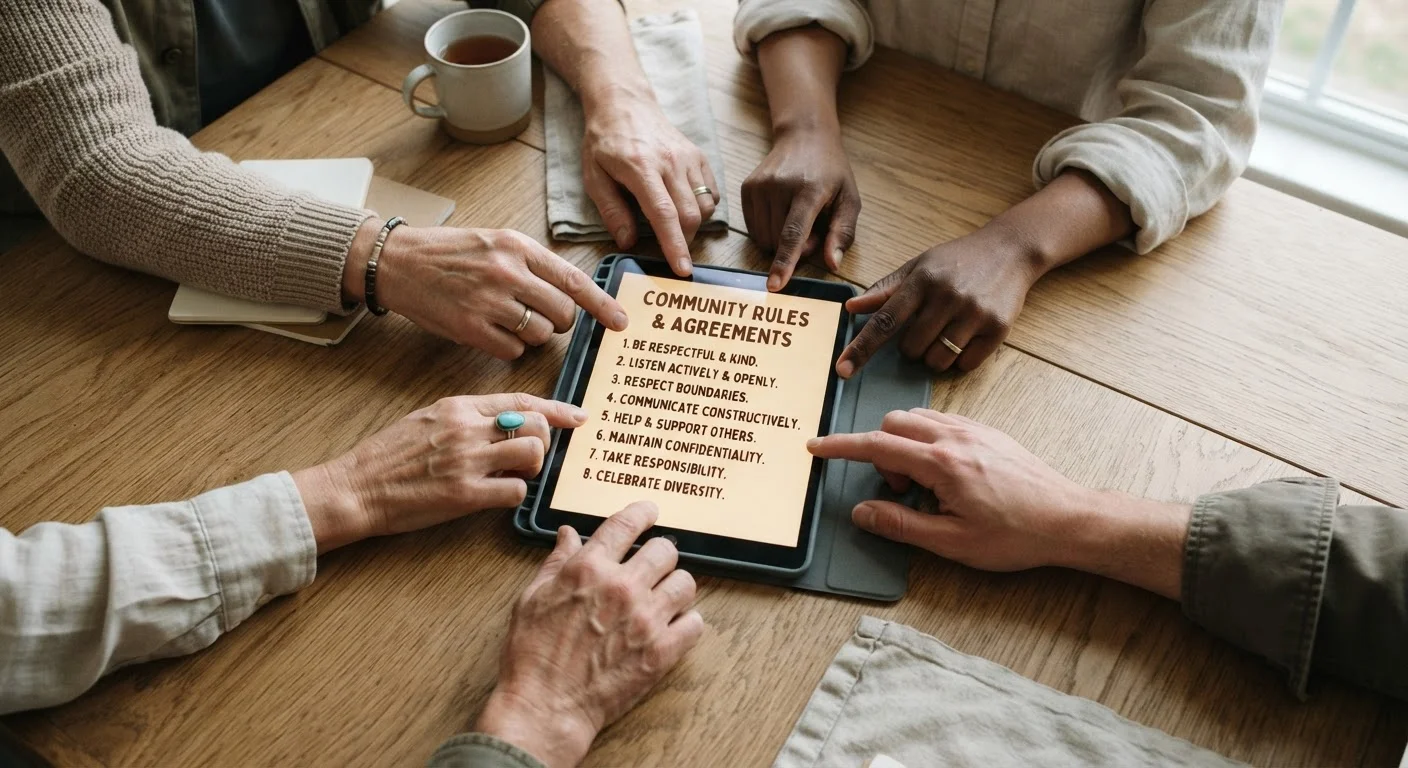
Rules Exist for a Reason - Read Them
Most communities have a pinned rules post or a dedicated wiki page that outlines what's welcome and what isn't. Skipping this step is one of the most common ways new members get off on the wrong foot. Moderators may remove posts - or issue warnings - from people who clearly haven't read the guidelines. Taking five minutes here saves a lot of awkwardness later.
Before You Write: Setting Yourself Up
Preparation happens before you open a text field. Use the checklist below to make sure you have what you need, then work through the steps in order.
What you will need
Community Rules or FAQ Page
Tells you what the community expects from members and what kinds of posts are welcome.
Search Function
Lets you check whether your topic or question has already been covered recently.
Draft or Notes App
Useful for writing and reviewing your post before pasting it into the submission field.
Lurking First Is a Feature, Not a Flaw
Spending a few days reading posts without contributing is completely normal and widely accepted in most online communities. It helps you understand the community's sense of humor, preferred topics, and unwritten norms before you put yourself out there. Many experienced community members recommend this approach to newcomers.
It's also worth thinking briefly about what you share publicly. See common mistakes new members make for a rundown of the missteps that most frequently get newcomers off on the wrong foot - many of them happen before a single word is written.
Step-by-Step: Making Your First Post
Follow these steps in order. Each one builds on the last, so skipping ahead - especially past the observation and search stages - tends to produce posts that land poorly.
Read the Rules and Pinned Posts
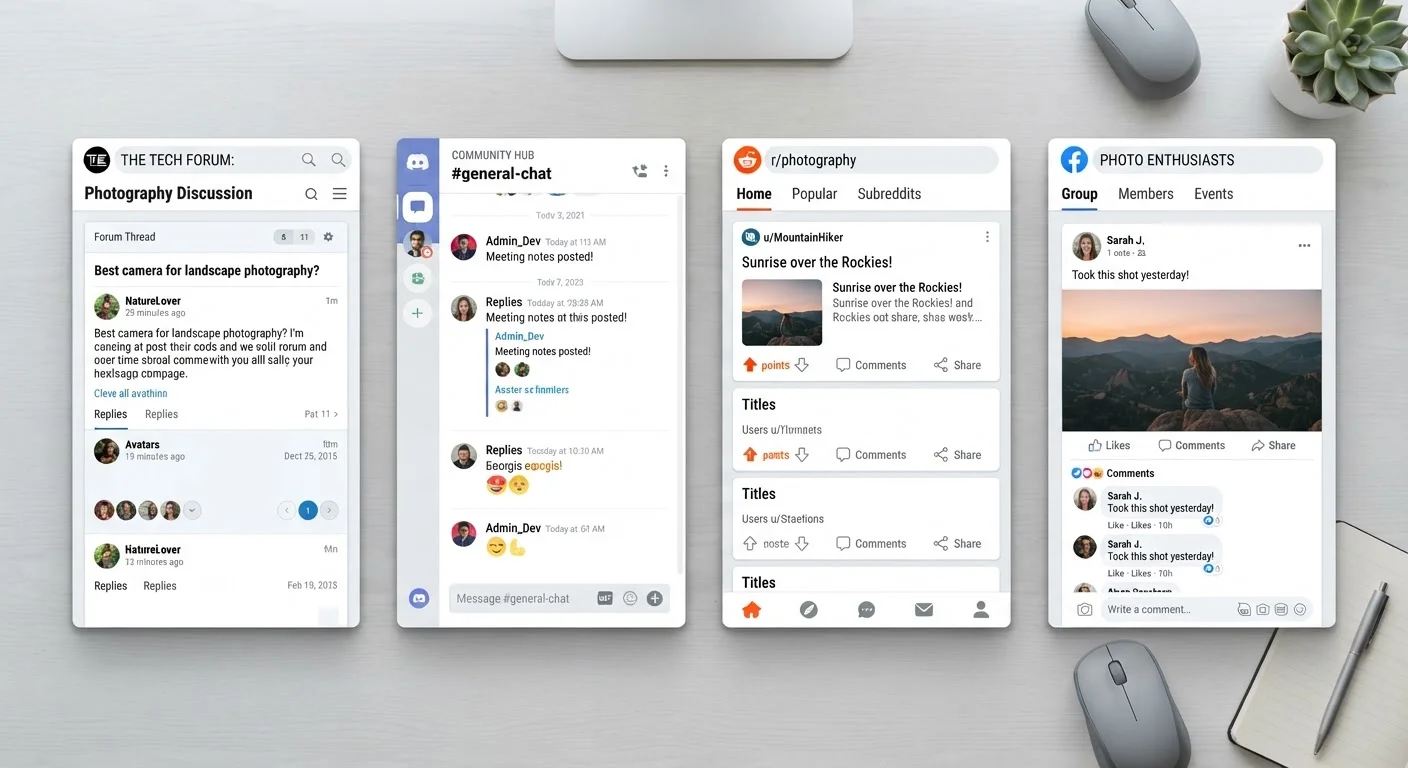
Before you type a single word, find the community's rules. On Reddit, this is usually in the sidebar or a pinned post. On Discord servers, look for a #rules channel. On traditional forums, check the top of the board for stickied threads.
Pay attention to formatting requirements, banned topics, and how members are expected to treat each other. Some communities also have a dedicated introduction thread - if one exists, that's exactly where your first post belongs.
Observe Before You Post
Scroll through recent posts and read several threads from start to finish. Notice what kinds of questions get helpful responses, what tone members use, and whether humor or formality is the norm. This is sometimes called lurking, and it's genuinely useful.
You're looking for the community's unwritten culture - things that rarely appear in the rules but shape how members interact every day.
Search Before You Ask
Use the community's search tool to check whether your intended question or topic has already come up recently. Posting a question that was answered two weeks ago - especially in a FAQ - can frustrate longtime members and may result in your post being removed or ignored.
If you find an existing thread on your topic, consider commenting there rather than starting a new one.
Draft Your Post Before You Type It In
Write your post in a notes app or a plain text document first. This lets you focus on what you actually want to say without the pressure of a live text field. Keep it focused: state why you're there, what you're hoping to contribute or learn, and - if it's an introduction - one or two relevant things about yourself tied to the community's subject matter.
Avoid making your first post a request for help or a controversial opinion. Starting with something low-stakes makes it easier for people to welcome you.
Do a Final Check Before Submitting
Read your draft one more time with fresh eyes. Ask yourself: Is this relevant to the community? Does the tone match how members communicate here? Am I sharing more personal information than I need to? Does it follow the formatting rules?
For a thorough self-review checklist, see our pre-post self-check guide - it covers tone, accuracy, and community fit in detail. When you're satisfied, hit submit.
Respond Graciously to Early Replies
Once your post is live, check back within a reasonable window and respond to anyone who comments. Thank people who welcome you, answer follow-up questions, and avoid getting defensive if someone points out a community norm you missed. How you handle early feedback shapes your reputation just as much as the post itself.
After the Post: What Comes Next
Submitting your first post is a beginning, not an end. The best thing you can do after posting is stay engaged: respond to replies, explore other threads, and keep contributing at a pace that feels sustainable. Communities reward consistent, good-faith participation far more than a single well-crafted debut.
As you settle in, you'll develop a feel for the community's rhythms - peak activity times, recurring topics, and the members who tend to drive conversation. That knowledge makes every future post easier and more effective.
For ongoing participation, revisit the pre-post self-check whenever you're unsure about a contribution. And if you ever want to think more carefully about your digital footprint as you join new platforms, our Digital Privacy hub is a useful ongoing reference.
Don't Over-Share Personal Details Upfront
Introducing yourself doesn't require disclosing your full name, location, employer, or other identifying details. Keep your first post focused on your interest in the topic rather than personal biography. If you're thinking through what to share publicly, our guide on protecting your privacy when joining a new platform is worth a read before you sign up.