
Why a Pre-Post Pause Matters
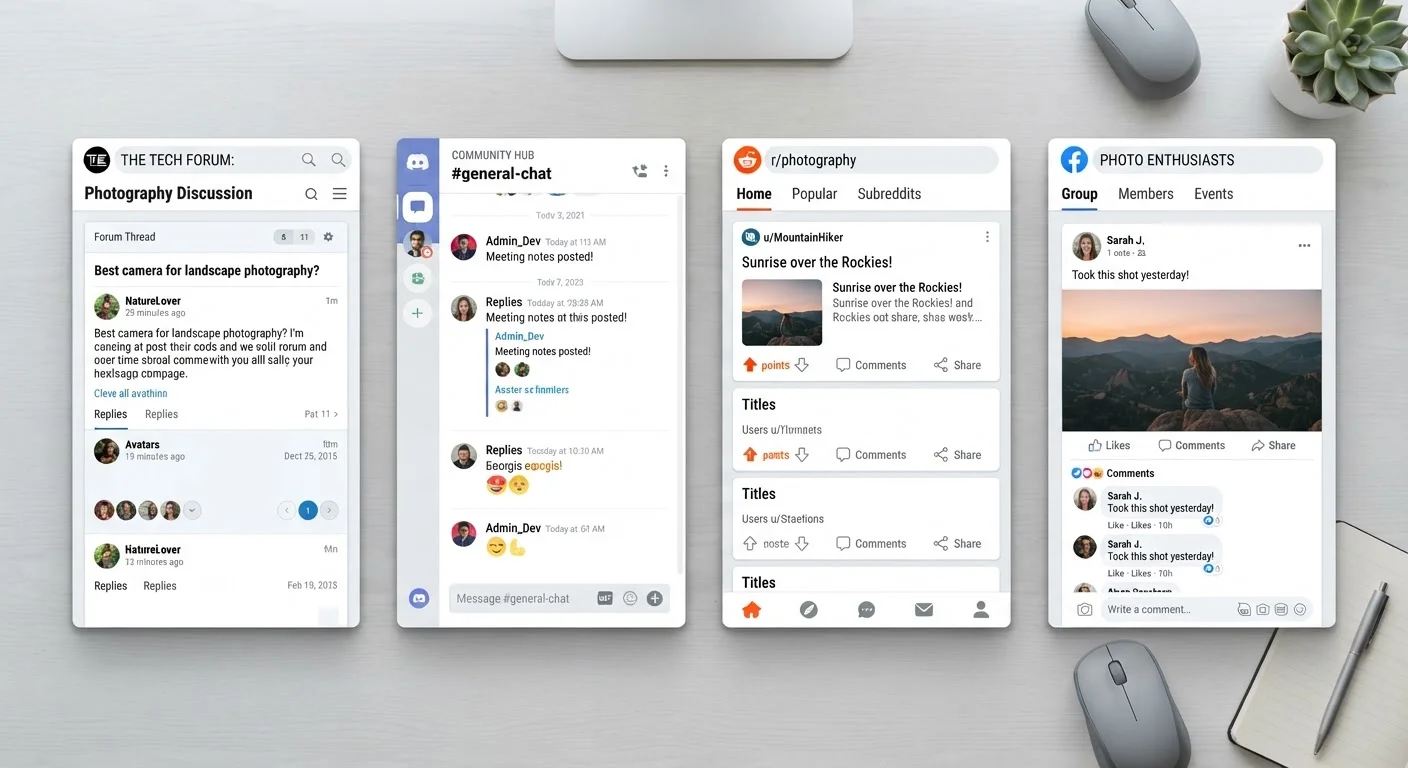
Online communities - whether forums, subreddits, Facebook Groups, Discord servers, or hobby boards - run on trust. Every post you submit either adds to that trust or chips away at it. The problem is that most of us type fast, feel strongly in the moment, and hit send before we've thought things through. That split-second impulse is where most participation mistakes are born.
This checklist is designed to slow you down just enough. It's not about second-guessing yourself into silence - it's about making sure what you share is accurate, relevant, and genuinely useful to the people you're sharing it with. Think of it as a mirror you hold up before you walk into a room.
If you're new to a community, you may also want to look at what to think about before your first post, which walks through the specific considerations that come with introducing yourself to an unfamiliar group.
Accuracy & Sources
Tone & Intent
Relevance & Community Fit
Privacy & Personal Information
Final Review
Tools That Can Help
You don't need specialized software to run through this checklist, but a few basic tools can make the process faster and more reliable.
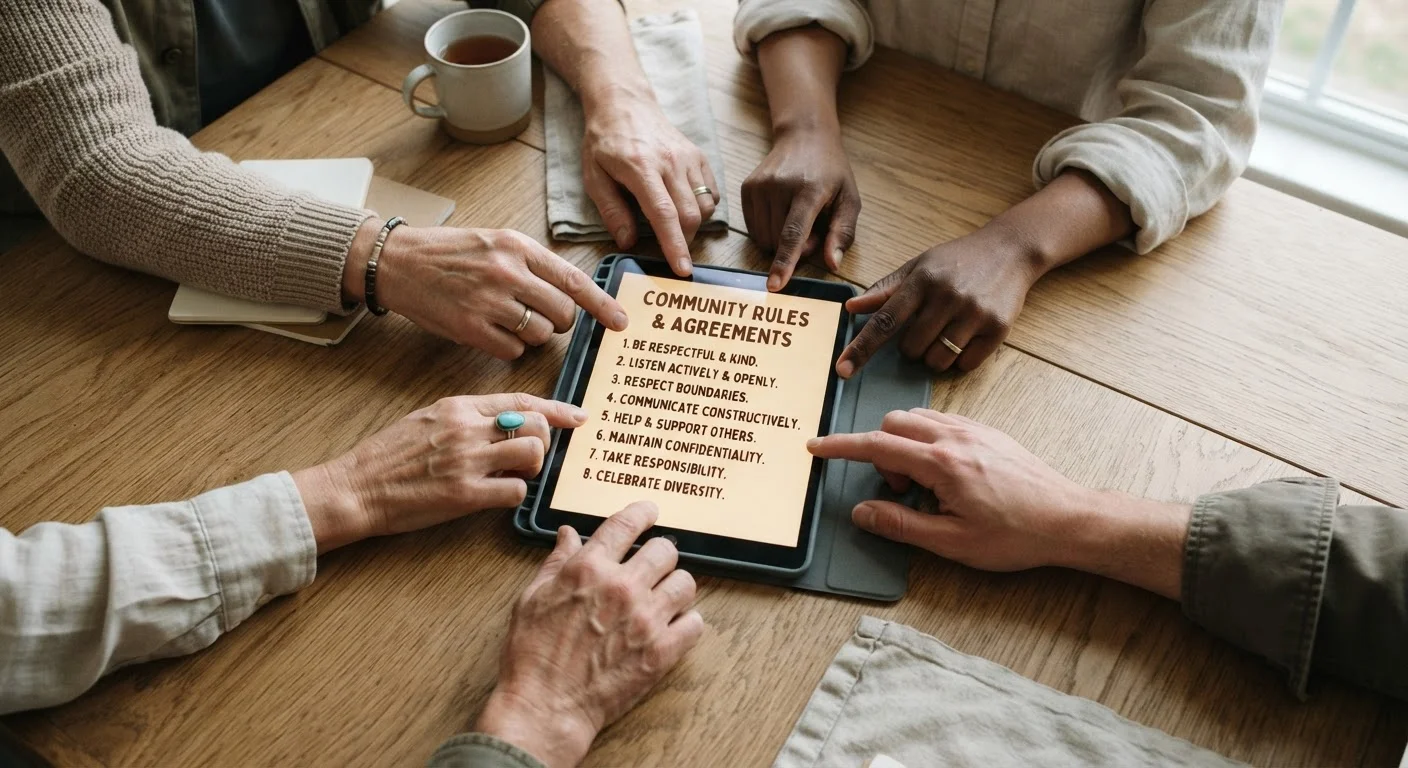
Community Rules Page
Review the specific guidelines for the community you're posting in before submitting anything.
Spell-checker or Writing Assistant
Catch typos and unclear phrasing that can undermine an otherwise solid contribution.
Fact-checking Website (e.g., Snopes, PolitiFact)
Verify claims or stories before sharing them to ensure accuracy.
Platform Search Function
Search existing threads before posting to avoid duplicating questions or topics already covered.
Remember that no tool replaces your own judgment. Spell-checkers miss context, and fact-checking sites can't always account for nuance. The goal is to build habits that become second nature - not to outsource your thinking.
For more on building sustainable habits around community participation without burning out, see our guide on getting the most out of online community platforms.
Once Posted, It's Hard to Undo
Even if you delete a post, screenshots can preserve it permanently. Many platforms also notify others of edits or deletions, which can draw more attention to a misstep rather than less. Taking two minutes to review before posting is far more effective than damage control after the fact.
What These Habits Add Up To
Individually, each item on this checklist is simple. Together, they reflect a set of values that the best online communities are built on: honesty, respect, relevance, and good faith. When more members apply even a few of these habits consistently, the overall quality of the space improves for everyone.
It's also worth knowing what happens when people skip these steps. Well-meaning participation mistakes are more common than most people realize, and they often come from good intentions paired with too little reflection. Knowing the pitfalls in advance gives you an edge.
The broader principles behind these habits - why they matter and what they say about community health - are explored in depth in our piece on principles of healthy online community participation. If this checklist resonates, that article is a natural next read.
Don't Confuse Silence With Safety
This checklist isn't meant to discourage you from participating - lurking indefinitely has its own costs, including missing out on connection and conversation. The goal is confident, considered participation. If your post checks out, submit it without overthinking.