What Online Communities Actually Are
An online community is any group of people who gather on the internet around a shared interest, identity, or goal. They might discuss books, trade gardening tips, follow a sports team, or support each other through life challenges. What makes them a community rather than just a website is the back-and-forth - members respond to each other, build relationships over time, and develop shared norms.
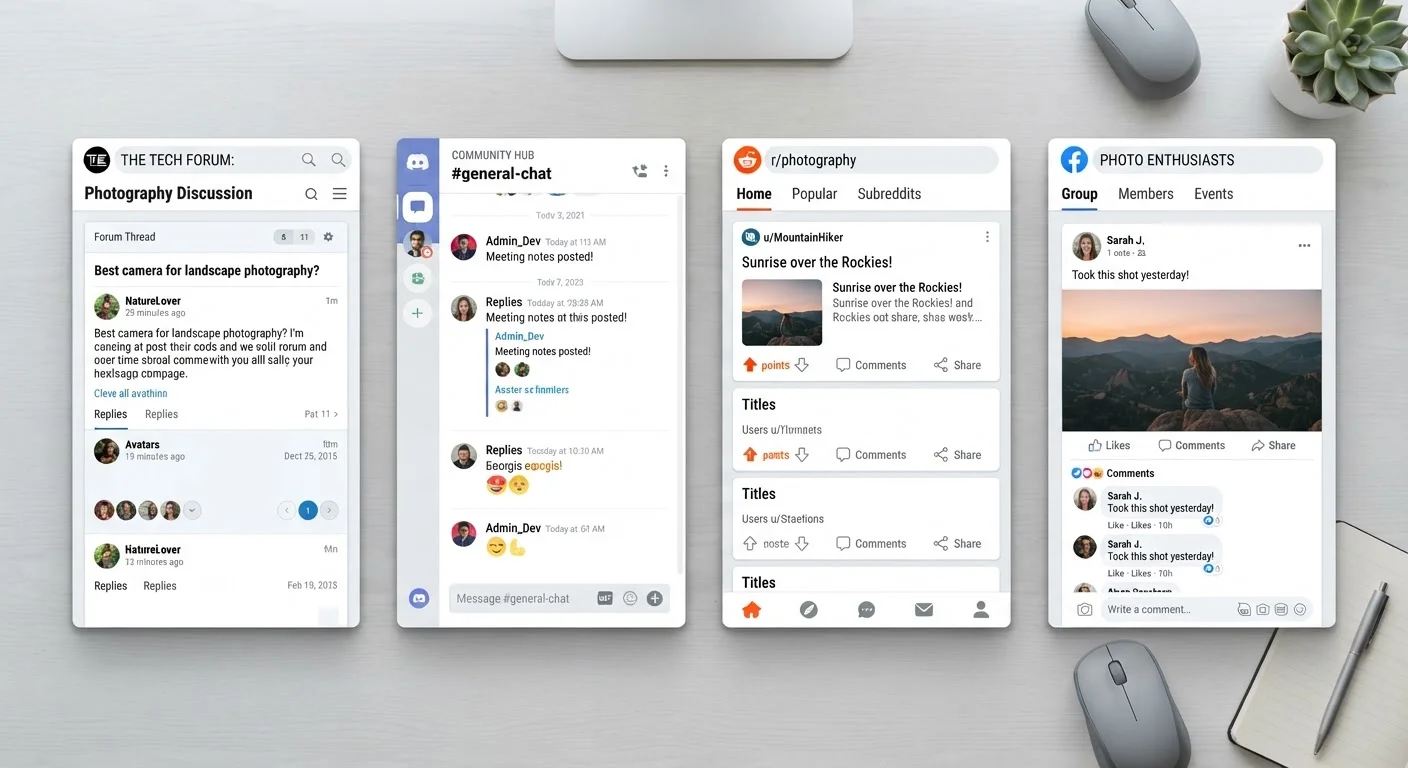
These spaces take many forms. Some are structured like classic message boards where conversations are organized into threads. Others feel more like live group chats. Understanding the basics of community fundamentals will help you feel oriented no matter which type you encounter. For a side-by-side breakdown of the most common formats, see our article on online forums, Discord servers, subreddits, and Facebook Groups.
Lurking
Reading posts and observing a community without contributing yourself. Lurking is common and accepted - it's a great way to learn a community's culture before joining the conversation.
Moderator (mod)
A volunteer or staff member who enforces a community's rules, removes rule-breaking content, and helps resolve conflicts between members.
Thread
A single conversation topic in a forum or message board, made up of an original post and all the replies that follow it.
Username (screen name)
A chosen nickname that identifies you in an online community, typically used instead of your real name.
Two-factor authentication (2FA)
A security feature that requires two steps to log in - usually your password plus a code sent to your phone - making it much harder for others to access your account.
Netiquette
Short for 'internet etiquette' - the informal code of polite, respectful behavior expected of participants in online spaces.
Choosing the Right Platform for You
Not every platform suits every person, and that's fine. Reddit organizes discussion into topic-based subreddits that cover nearly any subject imaginable. Discord servers emphasize real-time conversation and are popular among gaming, tech, and hobby groups. Traditional forums - like those attached to specific websites - tend to attract more focused, long-term communities. Facebook Groups skew toward people who prefer staying inside an ecosystem they already use.
Think about how you like to communicate. If you prefer reading at your own pace and responding thoughtfully, a forum or subreddit may feel more comfortable than a fast-moving Discord chat. Also consider how much moderation matters to you - some communities are tightly governed while others run loosely. Our guide on getting started in your first online community walks through how to find a group that fits your pace and personality.
Setting Up Your Account Safely
Before you post anything, take time to set up your account with privacy in mind. Use a username that doesn't reveal your real name, location, or age. Create a dedicated email address for community sign-ups rather than using your primary personal email - this limits exposure if the platform ever has a data breach.
Choose a strong, unique password and enable two-factor authentication (2FA) - a security feature that requires a second verification step, like a code sent to your phone, when you log in. Review the platform's privacy settings right after creating your account; default settings often share more than most users realize. For deeper guidance on protecting yourself online, explore our hub on digital privacy.
Default Privacy Settings Often Share More Than You Expect
Many platforms set your profile to public visibility and opt you into various notifications and data-sharing features by default. Go into your account's privacy or security settings immediately after signing up and review each option. Don't assume the platform's defaults match your preferences - they often don't.
Reading the Room Before You Post
Every community has its own culture - unwritten expectations on top of any published rules. The best way to learn them is to observe first. Spend time reading recent posts and replies before contributing. Notice what gets upvoted or praised, what gets ignored, and what draws pushback.
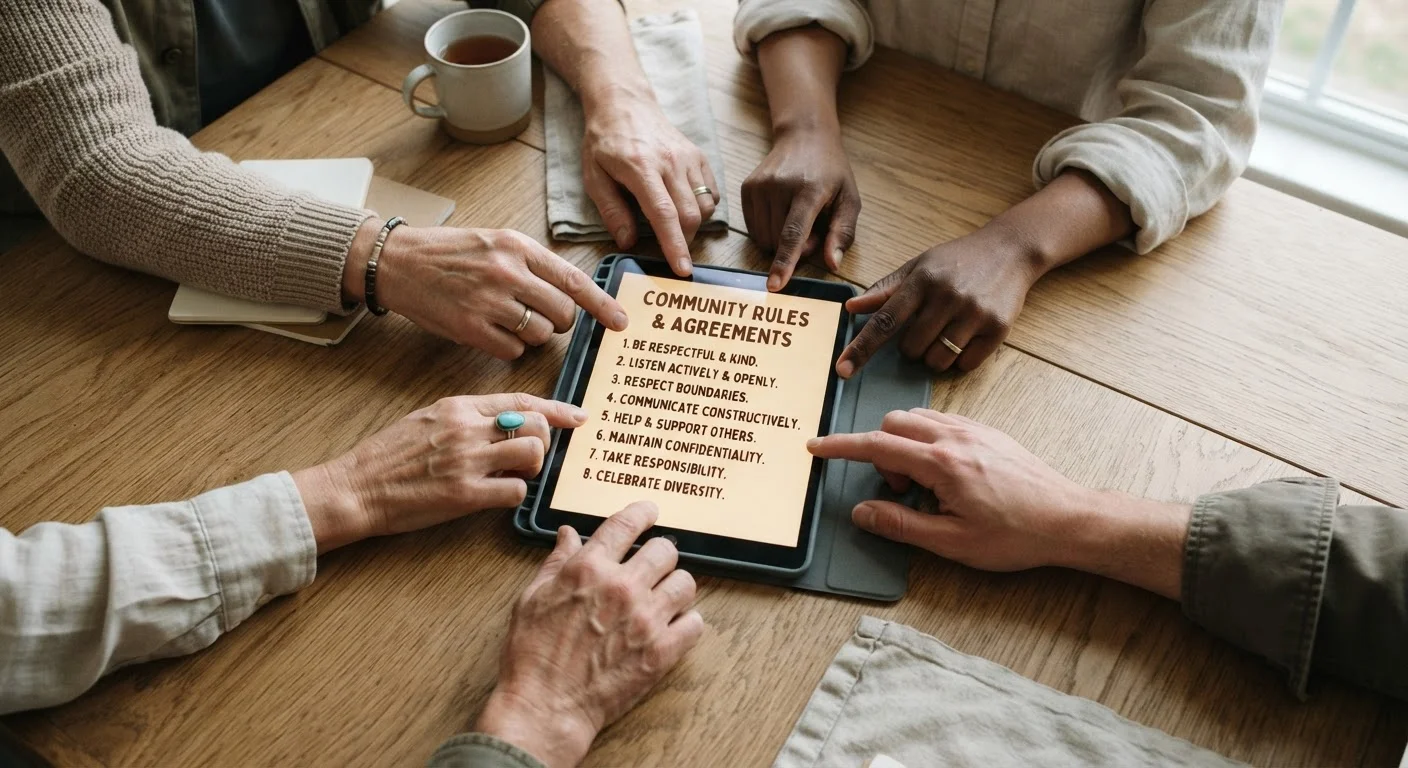
Look for a pinned welcome post, an FAQ, or a sidebar with rules. These spell out what's on topic, how to format posts, and what the moderators won't tolerate. Even a quick five-minute read can save you from a misstep. Our article on reading a room online explains how to pick up on subtler cultural cues beyond the written rules. You can also learn from what new members commonly get wrong to get a head start.
Posting Etiquette and Participation Basics
When you're ready to post, keep a few principles in mind. Stay on topic for the space you're in - a kayaking forum isn't the place for unrelated news. Be specific when asking questions; a well-framed question gets better answers than a vague one. Read through existing threads before posting to avoid repeating a question that was already answered last week.
Respond to others the way you'd want to be responded to. Disagreement is fine; hostility is not. If you make a mistake - post in the wrong thread, misread a rule - a brief, genuine apology usually goes a long way. Our guide on your first post in a new community covers what to think through before hitting submit.
Start Small Before Engaging Widely
When joining a new community, consider making your first few contributions in lower-stakes spaces - like replying to an existing thread rather than starting a new one. This lets you get a feel for tone and expectations without putting yourself in a spotlight. Most experienced members were once newcomers too, and a genuine, thoughtful reply is almost always welcome.
Staying Safe and Protecting Your Privacy
Privacy protection isn't a one-time task - it's an ongoing habit. Never share your home address, phone number, workplace, or daily routine in public community spaces, even in threads that feel friendly. Be cautious about photos that reveal your location or identifiable details about your life.
Be skeptical of direct messages from strangers, especially any that ask for personal information, money, or direct you to external links. Reputable community members and moderators generally don't contact newcomers out of the blue to request anything. If something feels off, trust that instinct and use the platform's reporting tools. Taking these steps from the start - rather than after a problem arises - keeps your community experience positive and secure.
If you'd like to build vocabulary for the terms you'll encounter along the way, our glossary of online community terms is a useful reference to keep handy.
Platform Help Centers
Reddit, Discord, and most major platforms maintain detailed help centers covering account setup, privacy settings, and reporting tools. These are the most reliable source for platform-specific guidance.
Online Community Glossary
A plain-English reference for terms like 'AMA,' 'upvote,' and 'threadjacking' that you'll encounter across forums and social platforms as you participate.